By Clearpath Workflow
Advantages of business process automation in operations workflows
- Business process automation can standardize defined workflows and create structured process data that supports traceability and visibility, but those outcomes depend on workflow design and governance.
- Start with high-volume, repetitive, time-sensitive work that has clear rules and defined inputs and outputs; judgment-heavy or exception-heavy work is a weaker immediate candidate.
- Evaluate automation software beyond a feature demonstration by examining integrations, reporting, security and compliance, scalability, governance, cost, and ability to adapt.
- Map and improve the process before automating it, then use measurable goals, a controlled pilot, training, phased deployment, and monitoring.
- Automation initiatives still face integration, documentation, scaling, and workforce-change trade-offs; software alone does not resolve them.
Business process automation (BPA) uses software to fully or partially automate complex, repetitive processes across departments. For operations leaders evaluating workflow automation software, BPA can improve traceability, visibility, consistency, system and API integration, accountability, monitoring, and audit readiness when processes have clear rules, structured data, and appropriate governance. Without clear design and governance, however, automation can scale existing weaknesses instead of fixing them.
BPA, RPA, and BPM: where each one fits
| Category | Scope | Role in an operations automation decision |
|---|---|---|
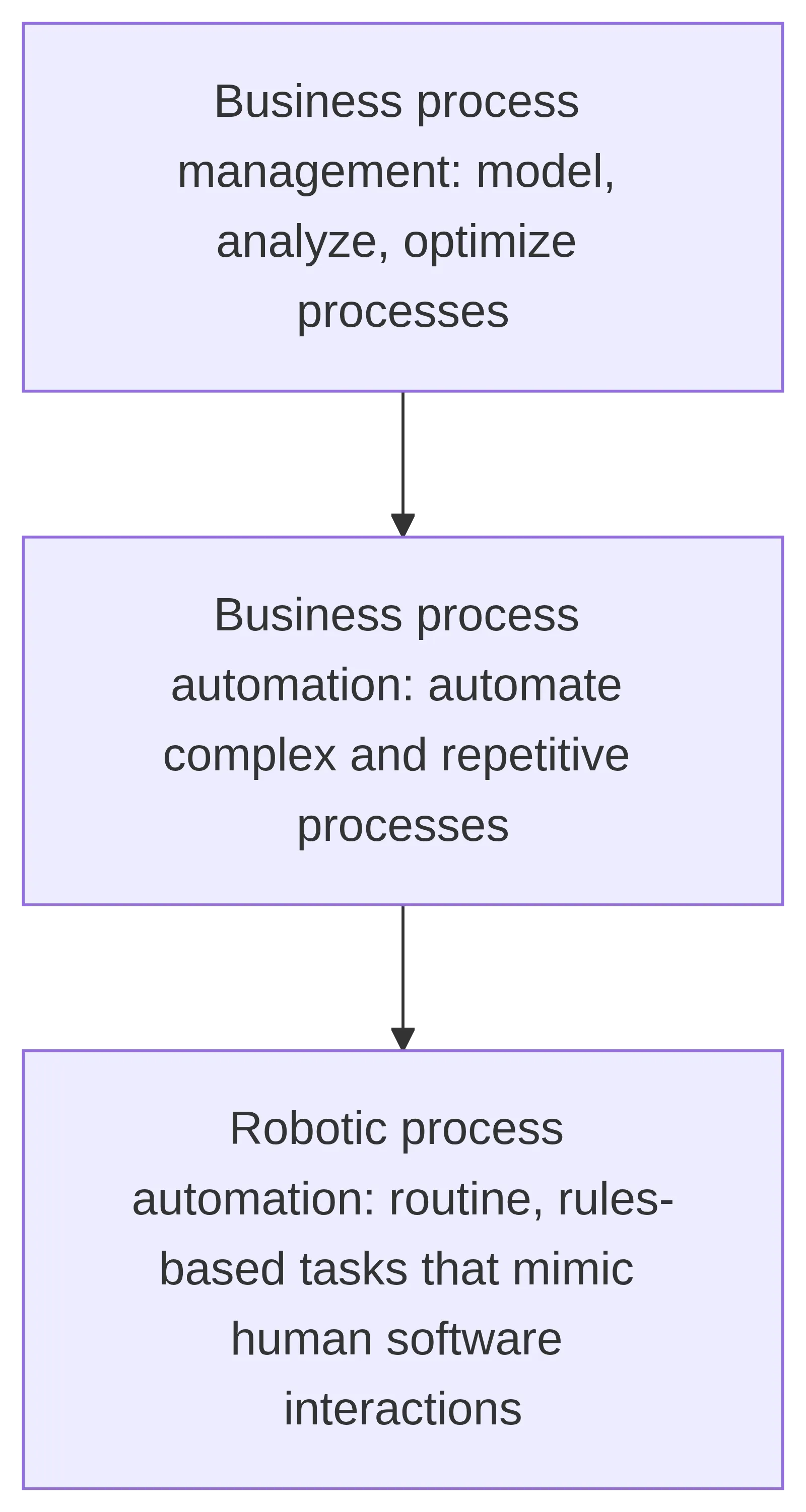
| Business process automation (BPA) | Automates complex, repetitive processes that can span multiple departments, using software that may connect data systems and APIs. | Use BPA when evaluating an end-to-end workflow rather than one isolated task. |
| Robotic process automation (RPA) | A narrower form of automation for routine, rules-based tasks that mimic human interactions with software. | Consider RPA for predictable task-level work; it is a weaker fit when the process depends heavily on judgment or frequent exceptions. |
| Business process management (BPM) | The broader discipline of modeling, analyzing, and optimizing business processes. | Treat BPM as the process-management context for automation, not as a synonym for a single automation tool. |
The practical boundary is scope: BPA addresses connected business processes, RPA addresses specific repetitive software tasks, and BPM provides the discipline for understanding and improving those processes. Treating RPA as a standalone initiative can produce local efficiencies without broader enterprise value, so an operations leader comparing workflow automation software should first define the process and its place in the wider operating model.
Automation-ready processes: what to look for
A strong first workflow candidate is high-volume, repetitive, time-sensitive, and governed by clear rules with defined inputs and outputs. Screen it for a predictable path, sufficient recurrence, measurable results, and limited exceptions; processes requiring substantial human judgment are weaker immediate candidates because automation rules may not cover their real decisions.
For an operations leader comparing workflow automation options, document one candidate’s steps, inputs, outputs, volume, timing requirements, rules, exceptions, and success measures. This turns software evaluation into a fit test: prioritize a workflow whose requirements the tools can represent clearly rather than choosing a platform before defining the work.
Before automating, map the current workflow, including exceptions, and fix its design: automating a flawed process can amplify weaknesses, and poor process selection is a leading cause of RPA project failure.
Software evaluation criteria beyond the demo
A production-ready workflow automation option should be judged by how well it fits your operating environment—not by an isolated feature demonstration. Use the same criteria for every option:
| Criterion | Decision it informs |
|---|---|
| Workflow automation and process modeling | Whether the software can represent and execute the processes you need to automate. |
| Integration depth | Whether it can connect with the systems and data your workflows already depend on. |
| Analytics and monitoring | Whether operations teams can monitor execution and use reporting to evaluate performance. |
| Security and compliance | Whether its controls fit your organization’s governance and compliance requirements. |
| Scalability | Whether it can support greater workflow volume or broader use as requirements expand. |
| Governance and deterministic control | Whether rules, approvals, and execution behavior can be controlled consistently in production. |
| Data sovereignty | Whether data-handling arrangements fit your location and organizational requirements. |
| Cost | Whether the commercial model fits the option’s expected use and operating constraints. |
| Adaptability | Whether the software leaves room to change workflows as processes and requirements evolve. |
For an operations leader comparing workflow automation options, turn each row into a test: document a representative workflow, identify its required integrations and controls, then verify monitoring, data handling, scalability, cost, and change requirements against that same scenario. This applies the evaluation criteria to a representative workflow rather than relying on an isolated demonstration. Clearpath Workflow provides software guidance for operations teams evaluating workflow automation; the supplied information does not establish particular product capabilities or guaranteed implementation results.
Phased implementation and its limits
Map the full workflow, including steps, handoffs, inputs, outputs, rules, exceptions, and systems. Set measurable goals for cycle time, errors, and completion; test automation in a controlled scope, validate results, train affected users, deploy in phases, and refine the live workflow when evidence reveals failures or new exceptions.
Automation may face incomplete documentation, integration barriers, training needs, cultural resistance, and scaling challenges. Improve and clarify the process first: high-volume, repetitive, time-sensitive workflows with clear rules and defined inputs and outputs are better initial candidates, while processes requiring substantial judgment or frequent exceptions may not be. A prudent sequence is to document the workflow, set measurable goals, run a controlled pilot, train affected users, deploy in phases, and monitor results for refinement.
Leave a Reply